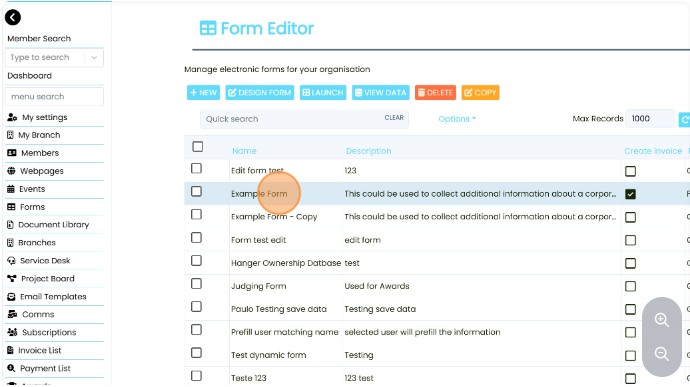
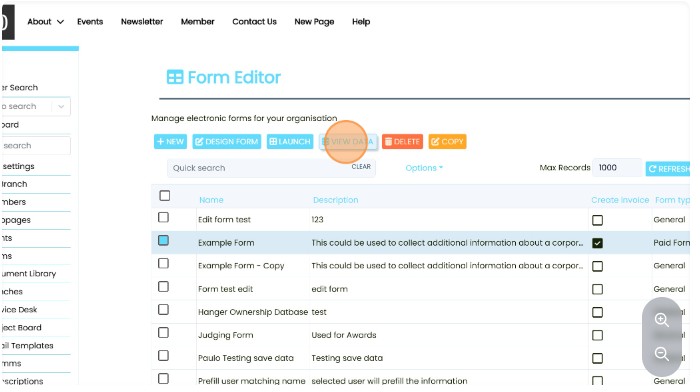
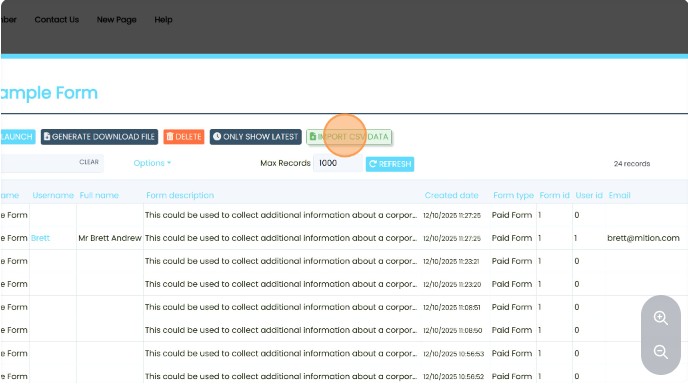
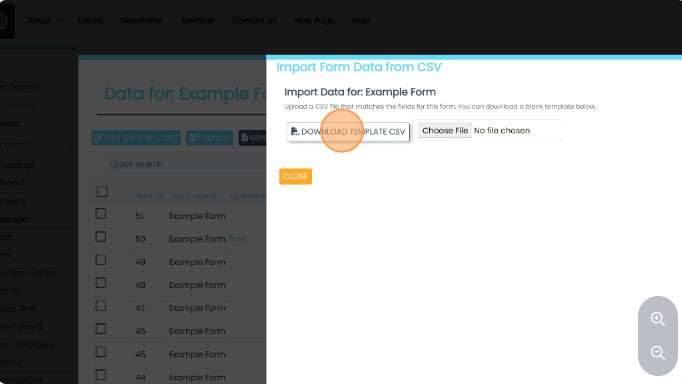
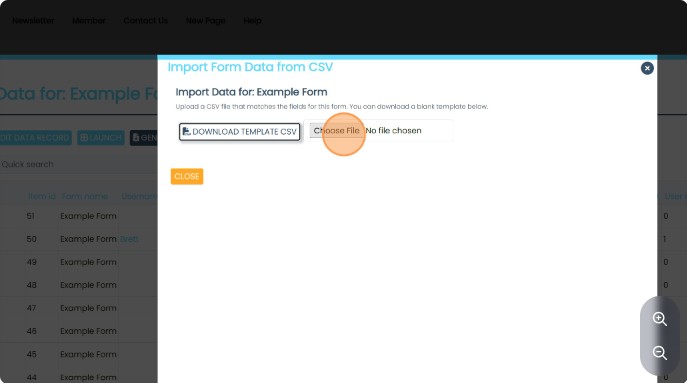
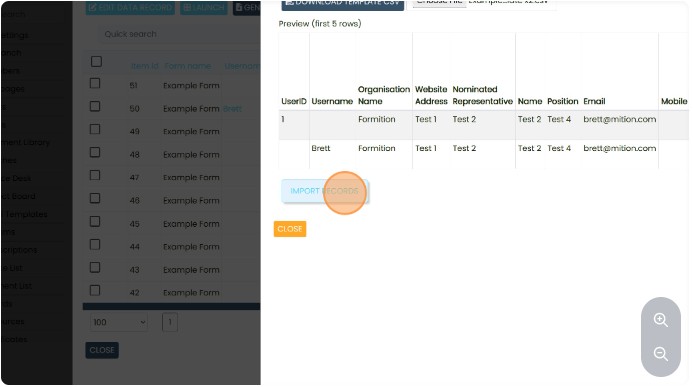
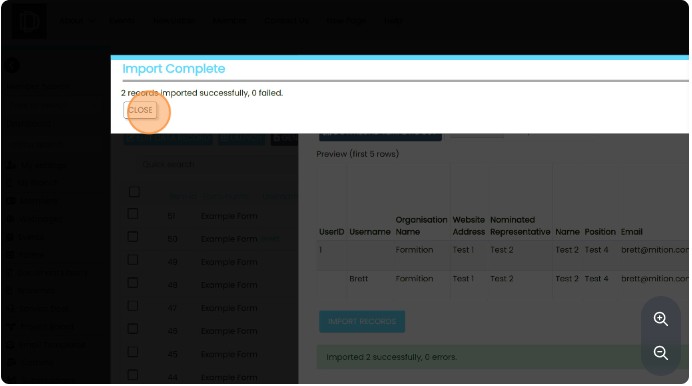
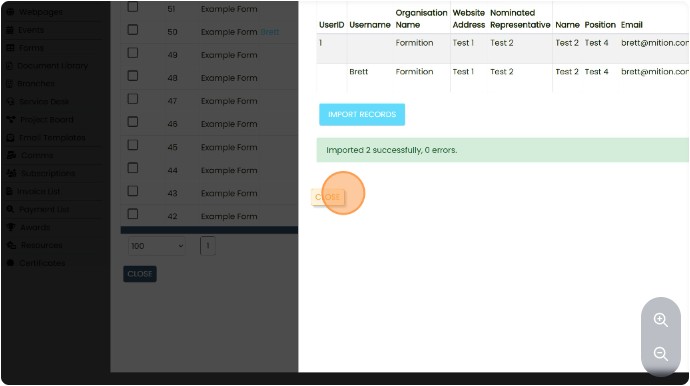
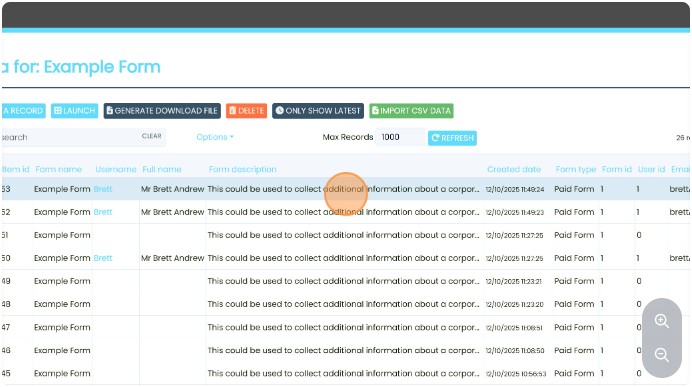
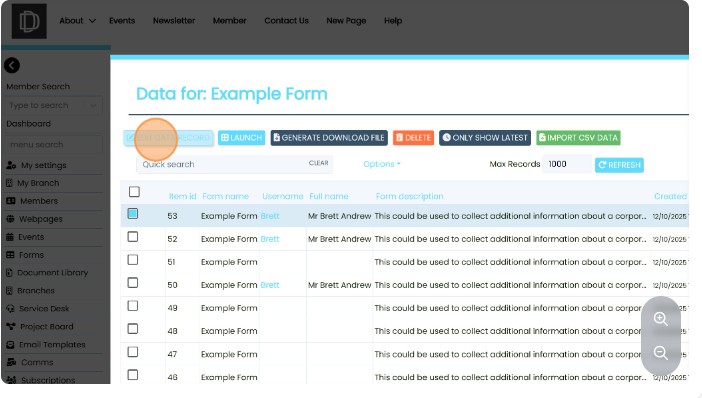
This guide provides a straightforward process for importing CSV data into an example form, making it easy to manage and enhance your data collection efforts. By following the steps outlined, users can efficiently upload information, ensuring that their forms are up-to-date and comprehensive. This resource is particularly valuable for those looking to streamline data entry and improve organizational efficiency.

×