Hero (4.0)
This is a new variation for Hero's that feature a dark overlay built in to make text easy to read regardless of the background image.
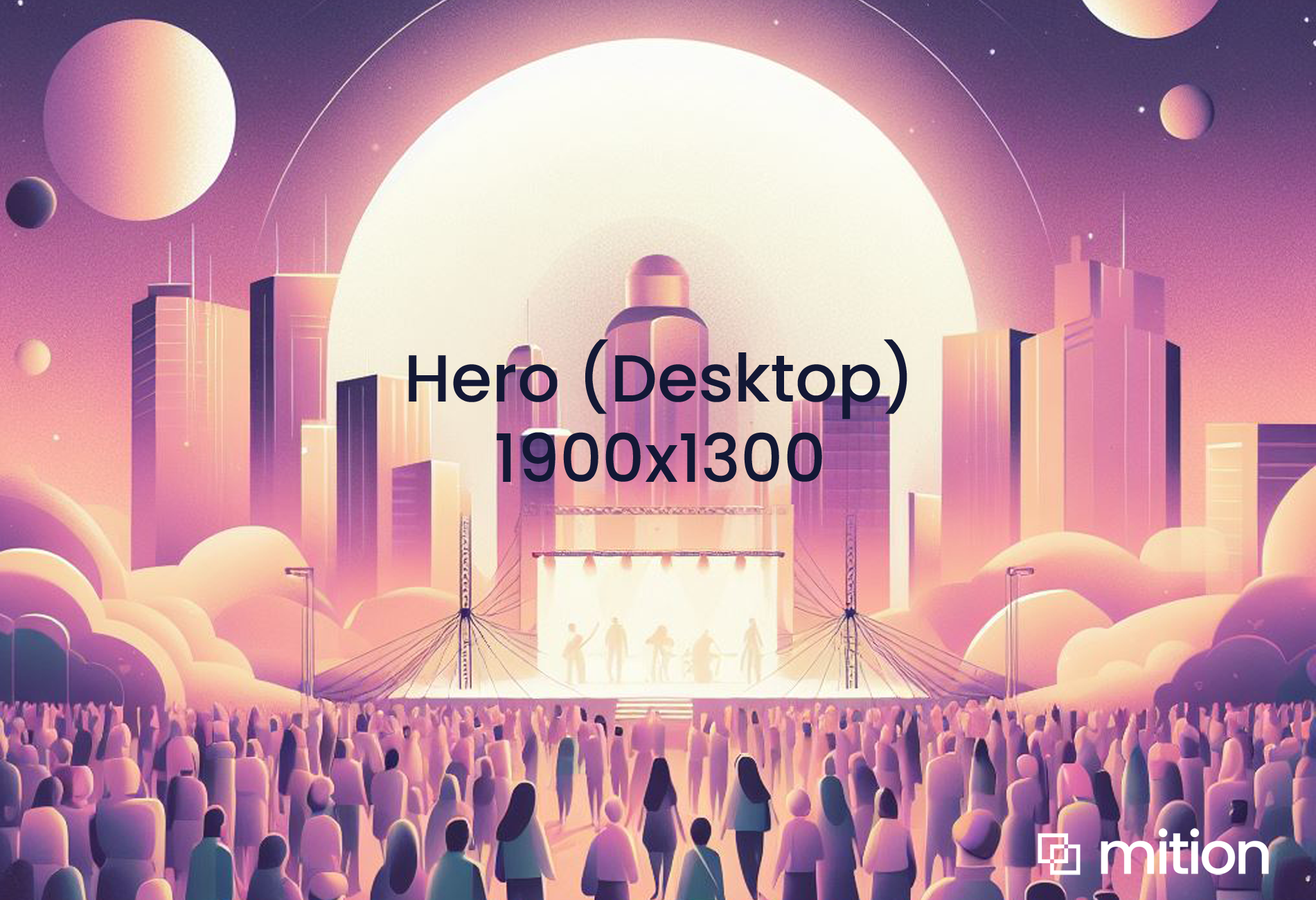
The standard size for a desktop image : 1900 x 1300 pixels
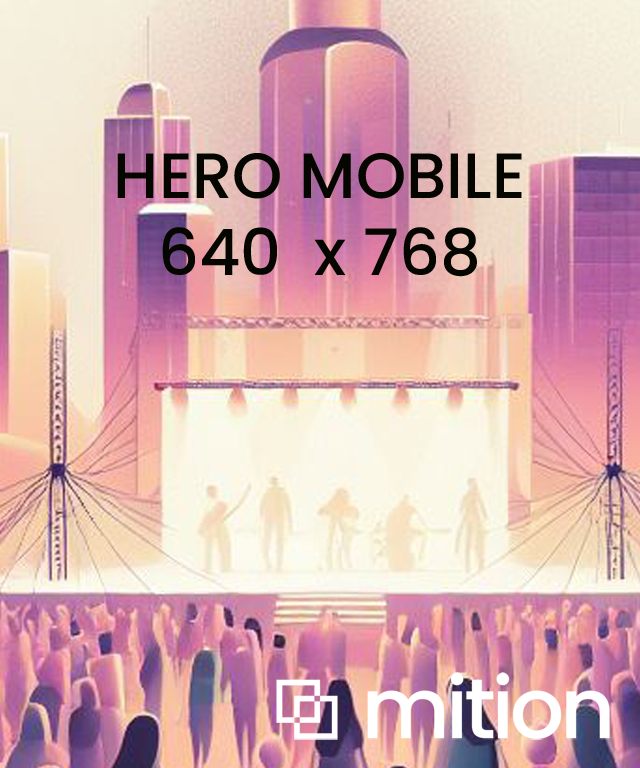
Mobile image (optional) : 640 x 748 pixels
OR Video : Add an MP4 video for a video background.
🧭 End-User Instructions (CMS / Admin Portal)
Component Name: Hero 4.0
Purpose: Responsive hero banner with built-in overlay for text contrast.
How to Use:
Add a new Hero 4.0 block from the web component list.
Upload a desktop image (1900×1300) and, optionally, a mobile image (640×768).
If no mobile image is provided, the desktop version will scale automatically.
(Optional) Upload a video background for desktop.
Add your title, description, and button text.
Set a link URL for button redirection.
(Optional) Add additional HTML content (appears below main text).
Preview and publish — overlay and centering adjust automatically for any screen size.
Result:
Hero automatically adjusts between desktop and mobile.
Text remains clear due to the dark overlay and shadow box.
Perfect for banners, campaigns, or training portals where accessibility and readability are essential.
Key Features
- The text for Hero 4.0 is centred
Welcome to Hero 4.0
This is the Hero 4.0 dark text area built in. Set class "container" to keep this one within the container.